Wenmar does the paperwork.
You fix the cars.

Wenmar Pro is shop management software for auto repair shops. Run the whole day from the desktop at the counter or the phone and tablet in the bay, set up around how your shop actually works.

3 months free, then $100/month. Every feature included. Free data import. No credit card.

A shop owner in a work shirt leans on a car with the hood open, wiping his hands on a shop rag while checking his phone.
Try it

Watch it build a service

Vehicle2019 Honda Civic 2.0L
PackageOil change + tire rotation
Example estimate built from a package for a 2019 Honda Civic oil change and tire rotation
ServicePartsLaborPriceNotes
Engine oil, 0W-20 full synthetic3.9 qt0.3 h$81.90Quantity from engine spec
Oil filter1$14.95OEM equivalent
Tire rotation0.5 h$62.50Set pressures to door placard
Total$159.35Ready to send for approval

Example only. The package fills in parts, labor and pricing with no manual lookup.

Desktop and mobile. Even offline.

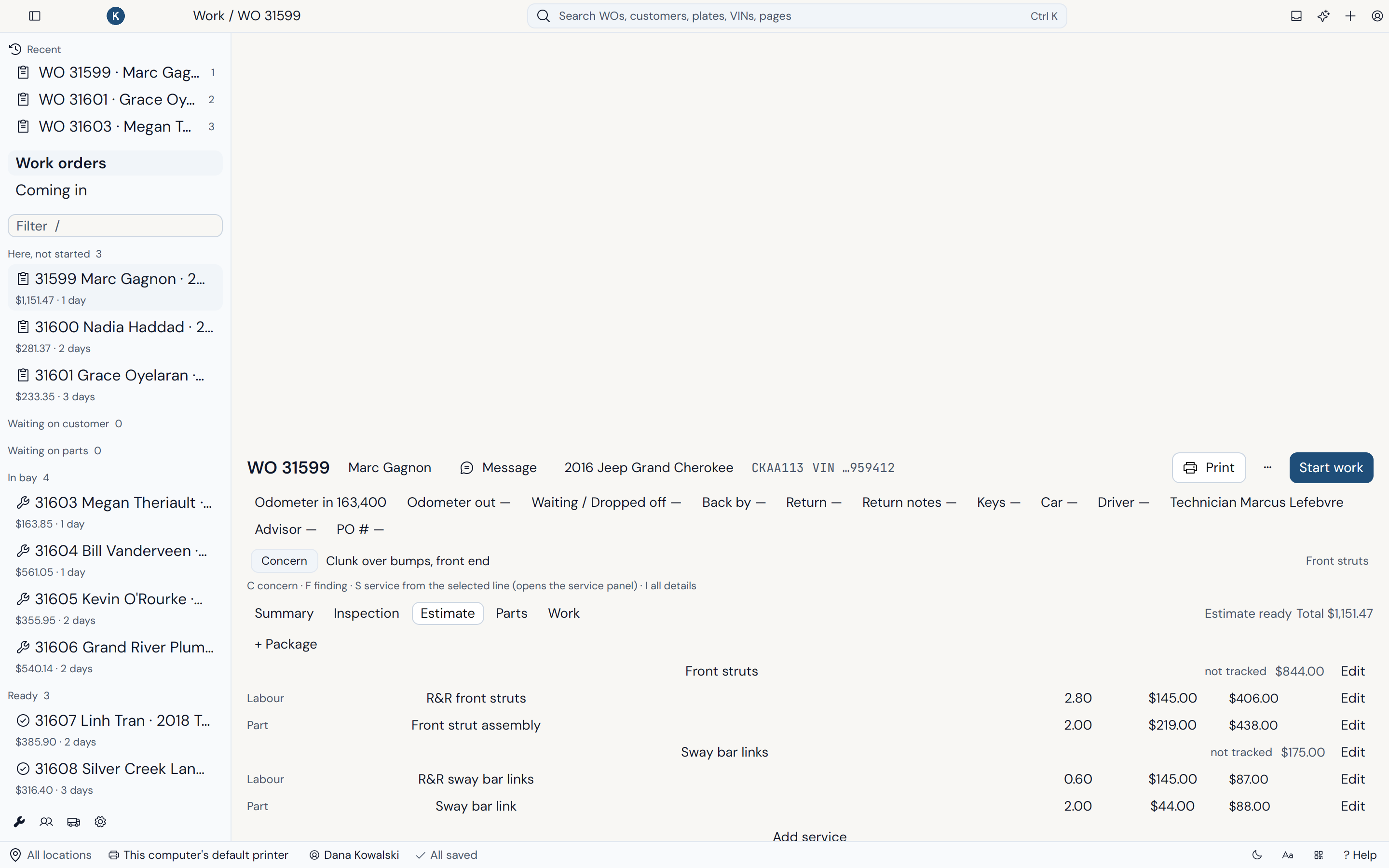
Run the shop from the desktop app at the counter or the native iPhone, iPad and Android apps in the bays. Same shop, same data, same speed. The web is only for setup, like adding users and your logo.

Desktop at the counter

A native app for Windows, Mac and Linux that answers as fast as you type. Search, write up and post without waiting on web pages to load.

Native apps in the bay

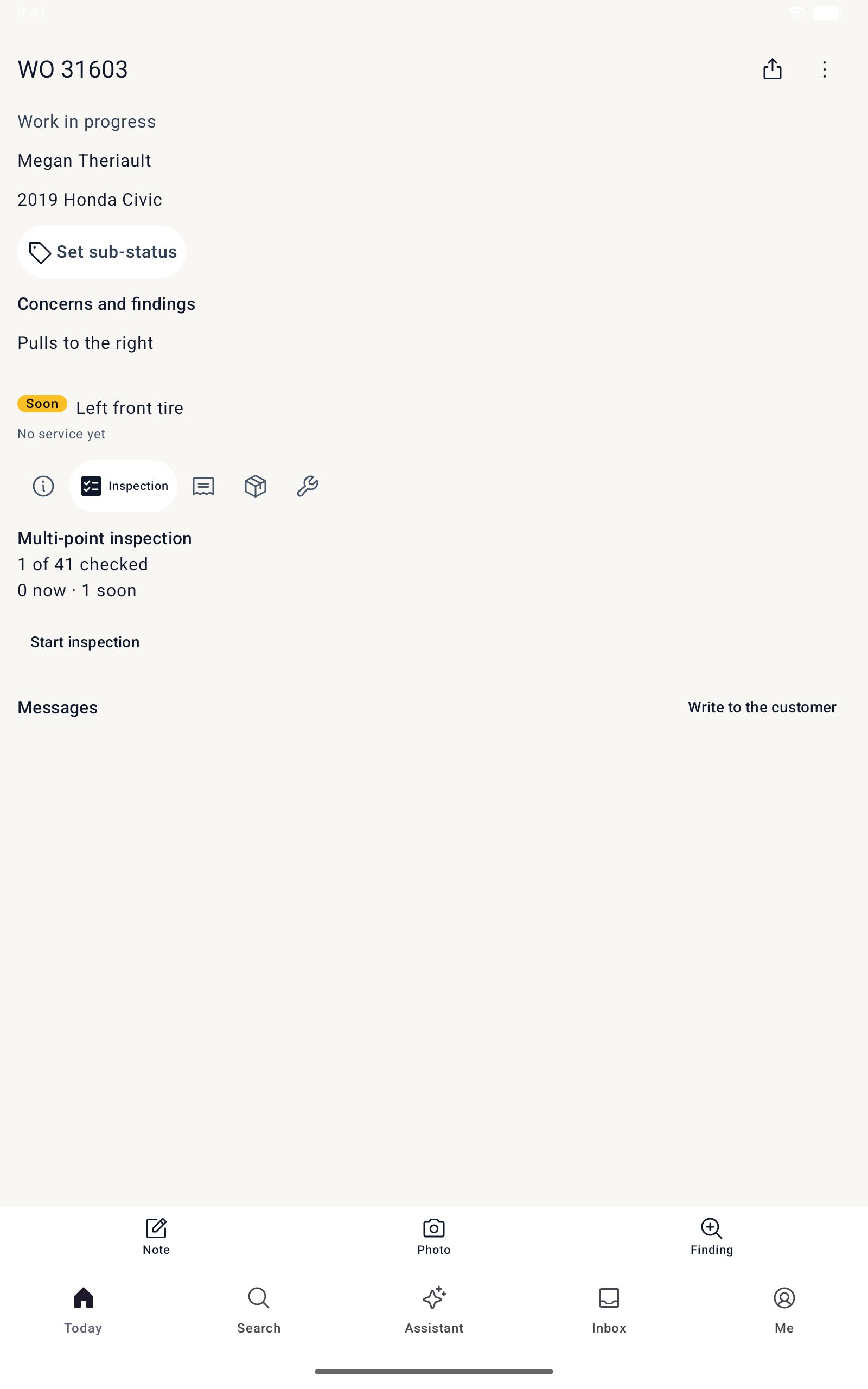
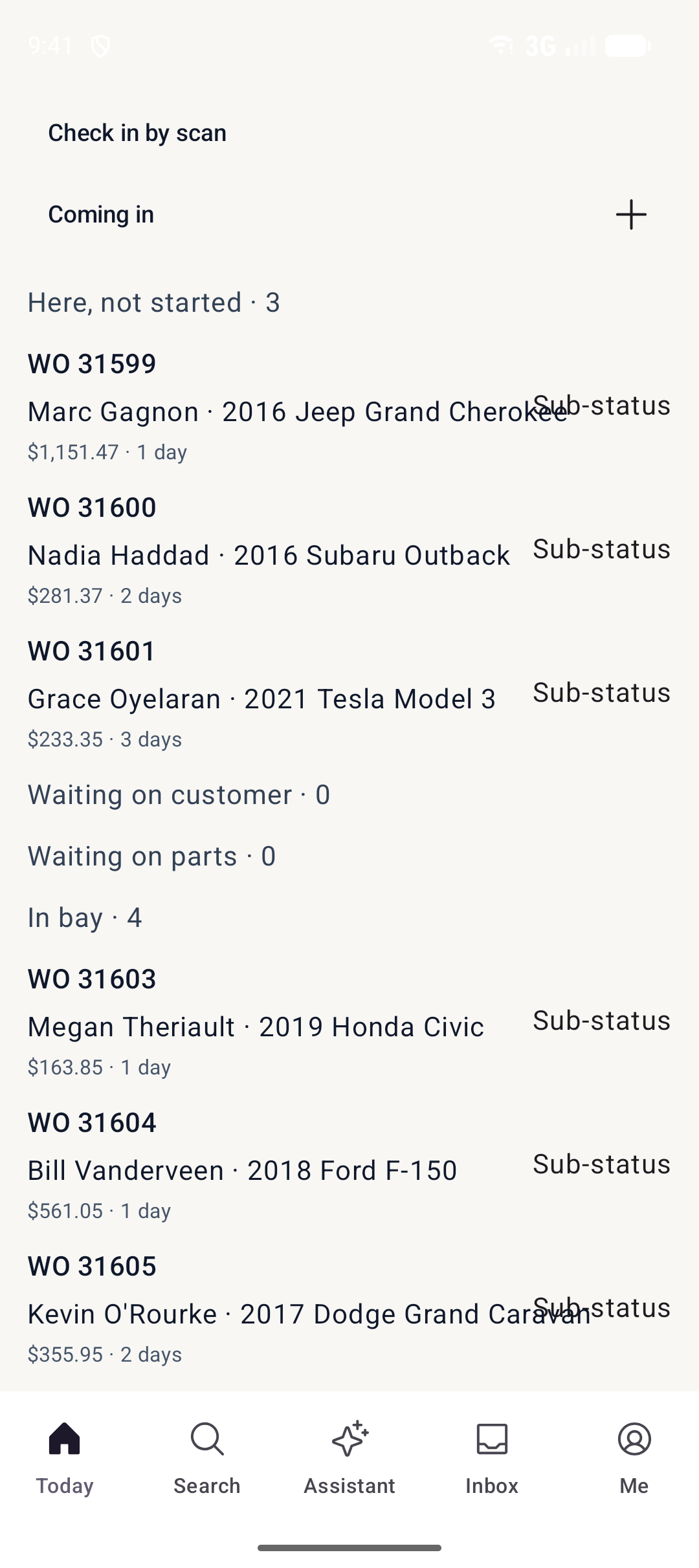
Native iPhone, iPad and Android apps for techs and advisors. Pair a device by scanning a QR code, then sign in with a PIN.

Works offline for up to 7 days

Keep looking up customers and writing up new work orders when the internet drops. Everything sends when you're back online.

Get the mobile apps

Free with your account on iPhone, iPad and Android.

Scan for iPhone
Scan for Android

Five steps from check-in to posted invoice.

A work order takes under 10 seconds, and every step works on the desktop and on the phone or tablet.

  1. Step 1

    Check-in

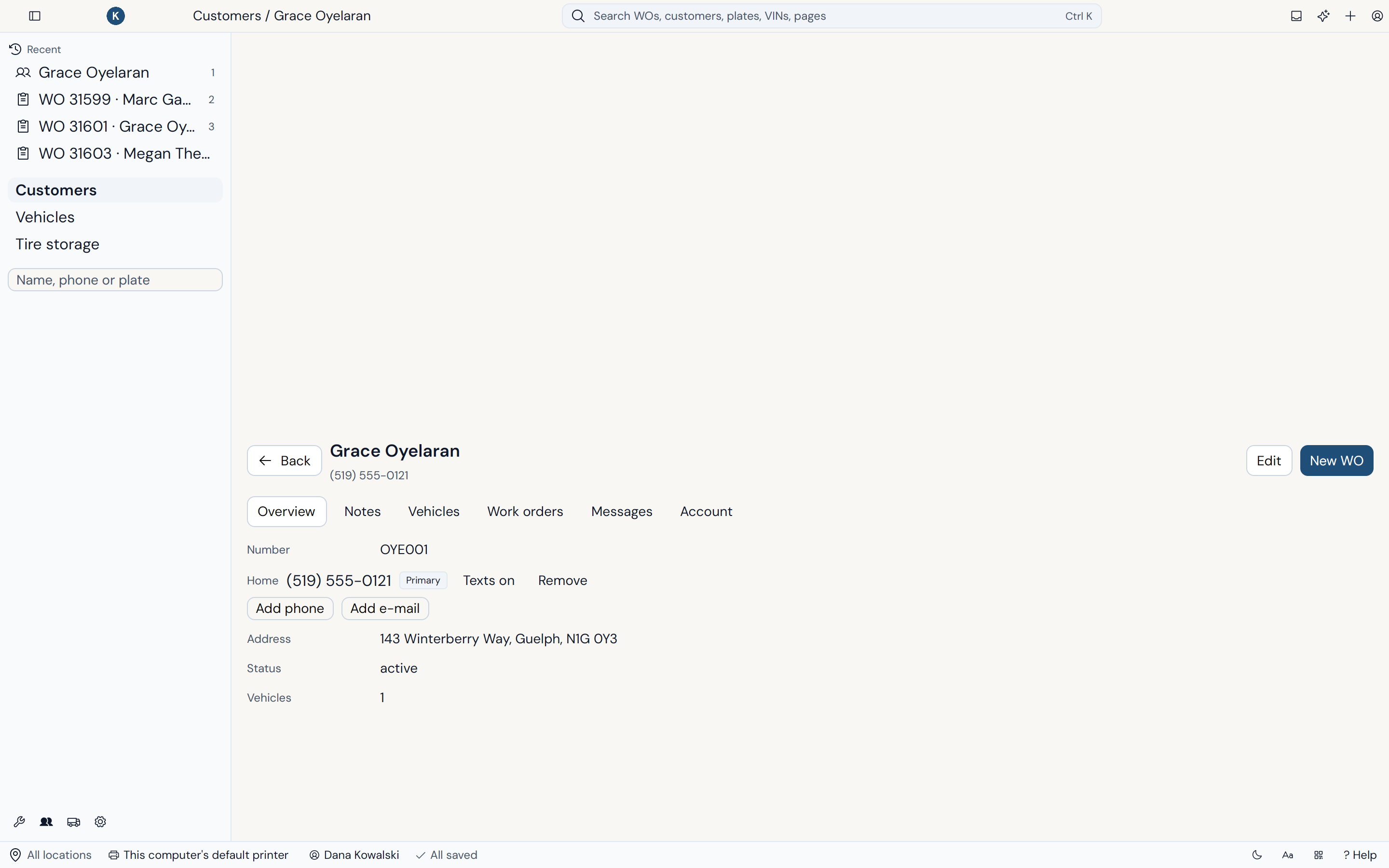
    Find the customer and vehicle as you type, or let them check themselves in from their phone. A VIN fills in the year, make and model.
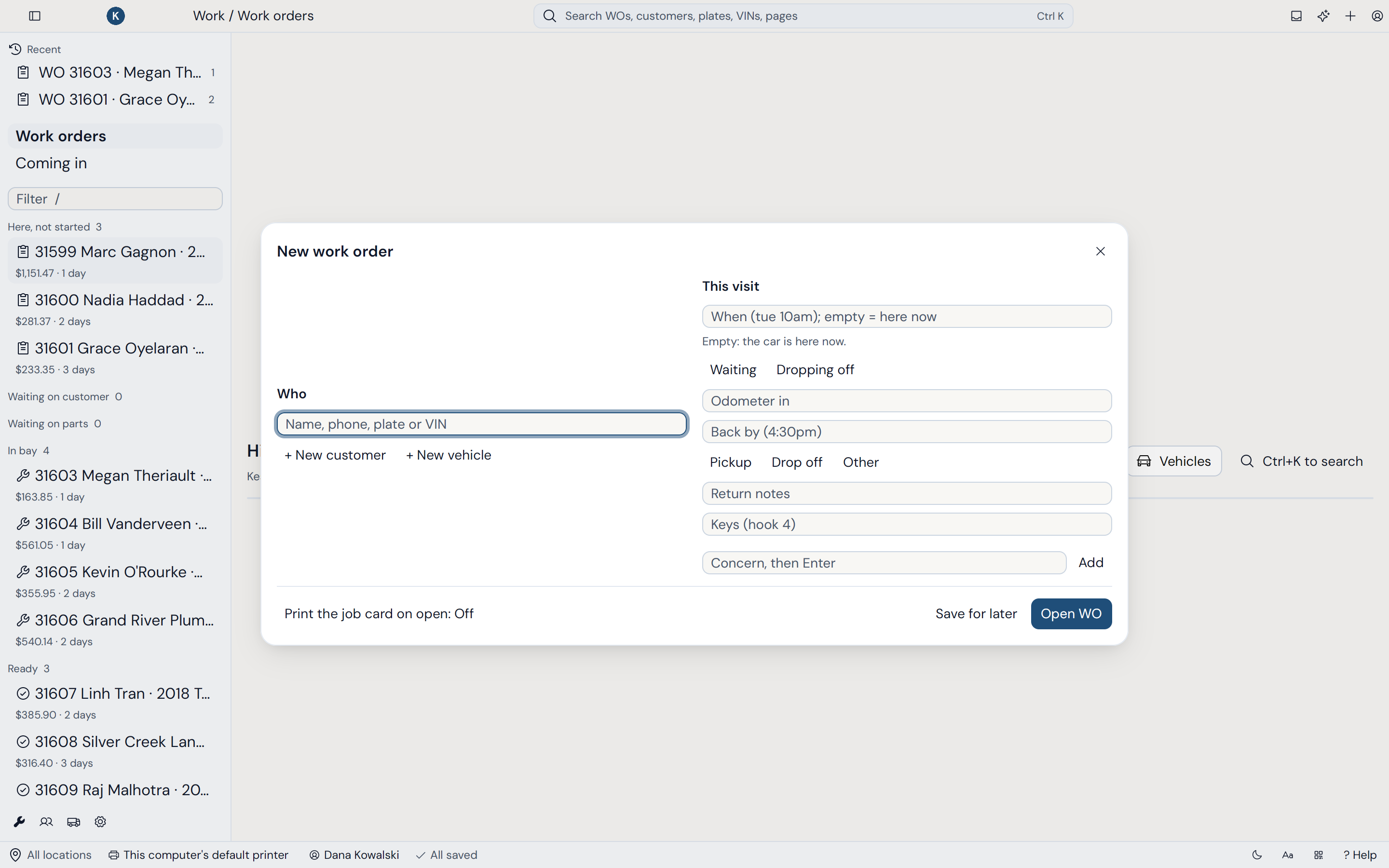
    • Search customers, phones and plates instantly
    • Customers can check themselves in by text
    • A work order in under 10 seconds
    Check-in in Wenmar Pro
  2. Step 2

    Inspection

    Techs run your inspection templates on the phone in the bay, with photos and notes on every finding.
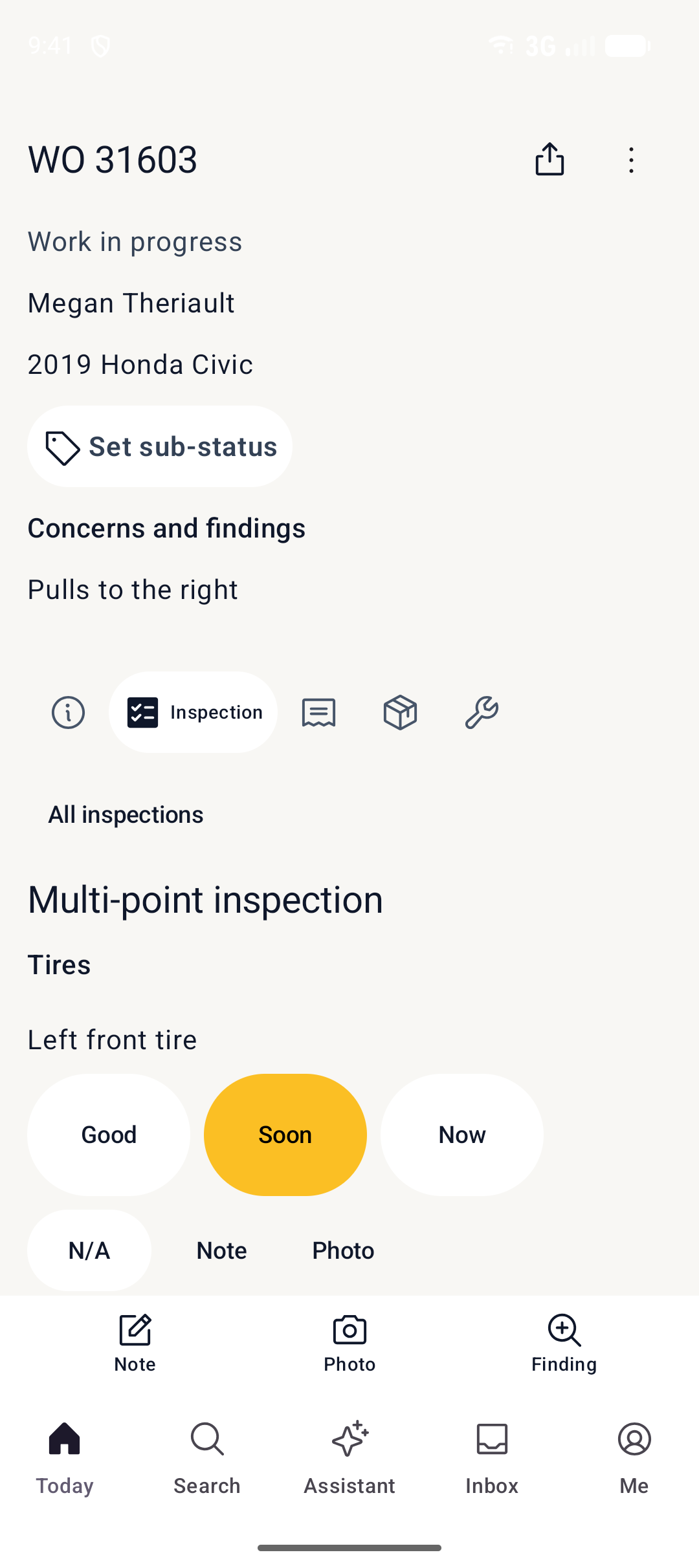
    • Inspection templates for your shop
    • Photos and notes from the bay
    • Soon and now findings become services in one tap
    Inspection in Wenmar Pro
  3. Step 3

    Estimate

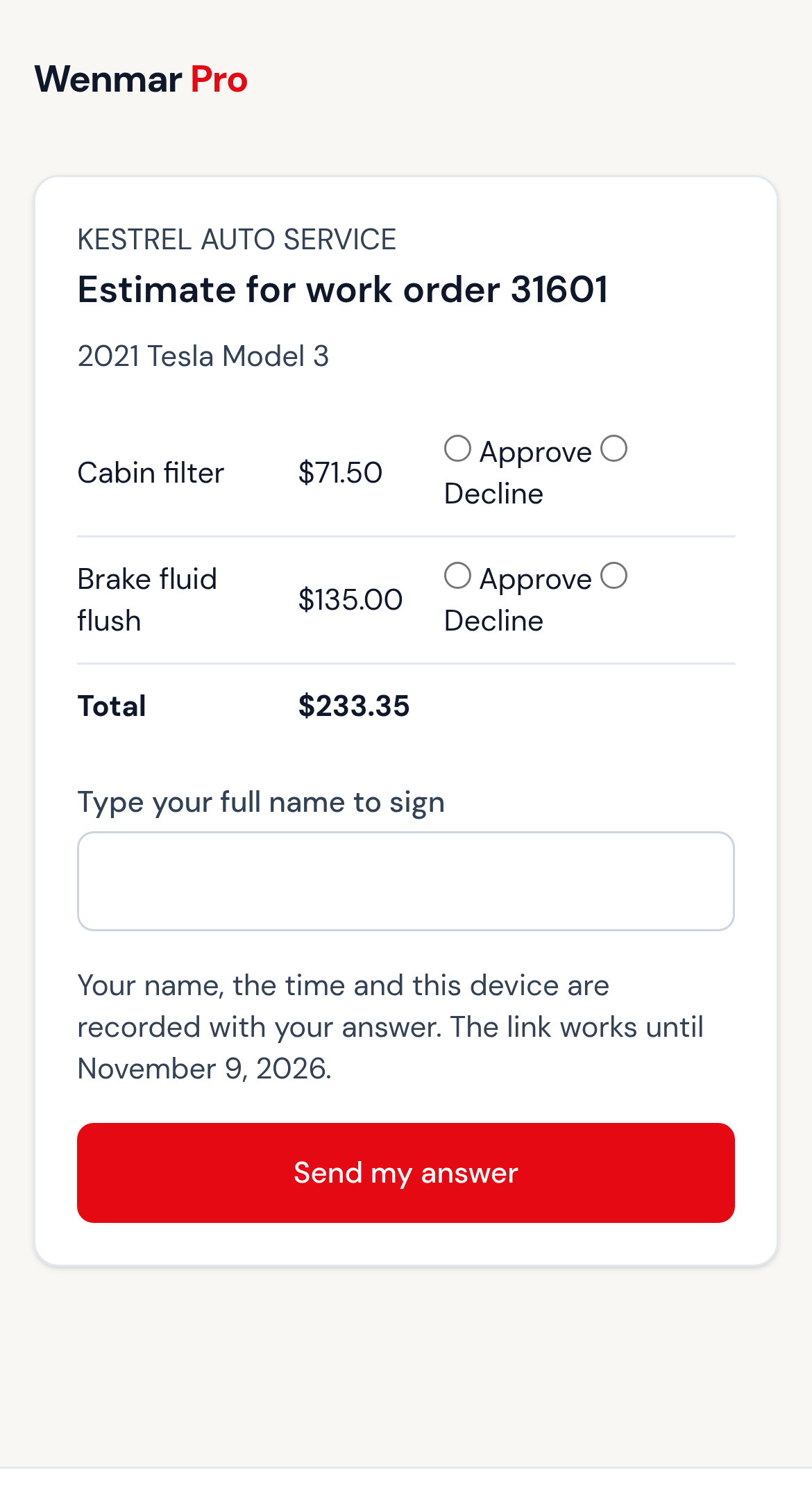
    Packages put the services, parts and labor on the order. Text it, and the customer approves each service from their phone.
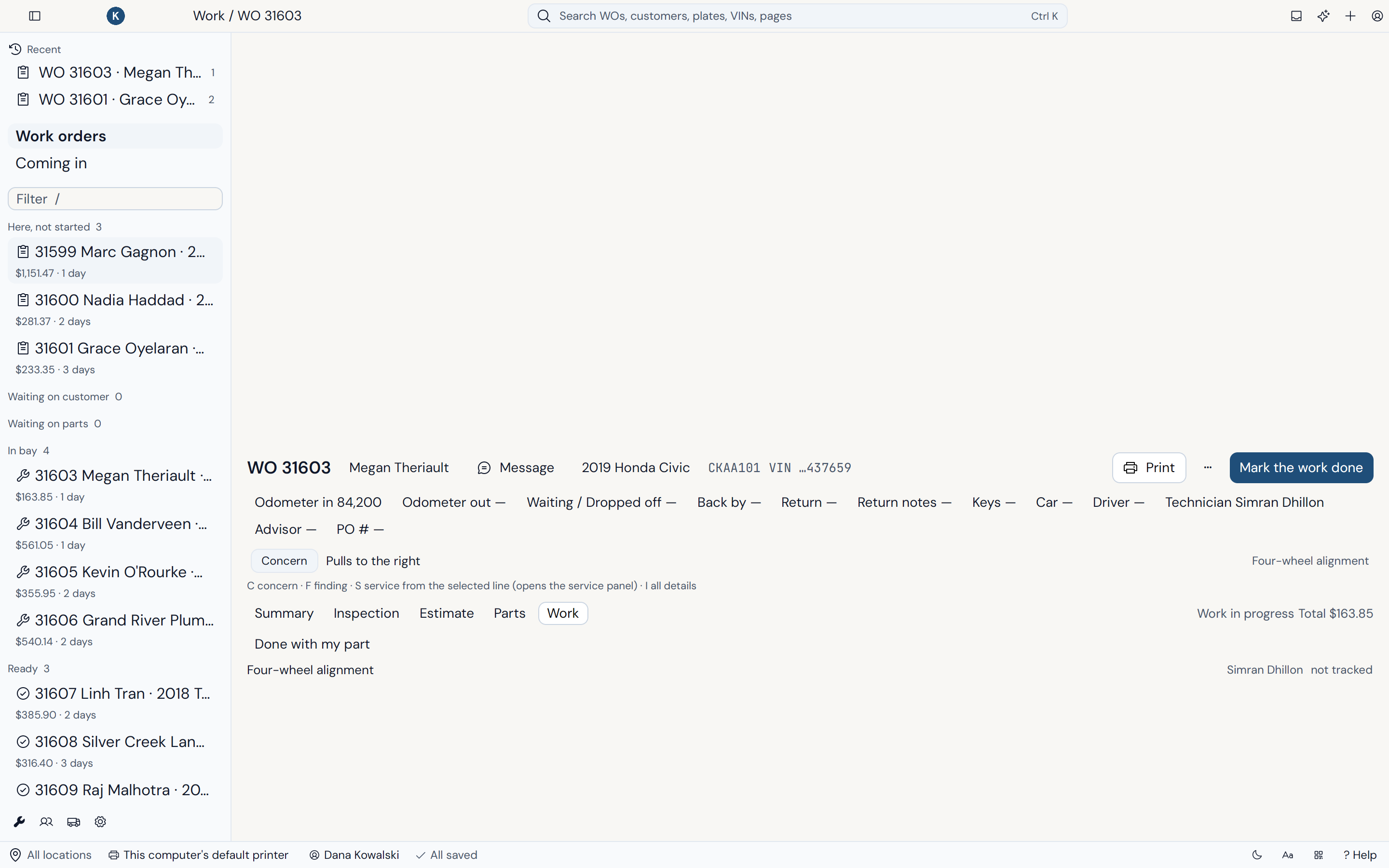
    • Packages with your labor rates and price matrices
    • Inspection results and photos sent with it
    • Customers approve or decline each service by text
    Estimate in Wenmar Pro
  4. Step 4

    Work in progress

    Track every work order as it moves. Technicians update it from the bay while customers follow along from their phone.
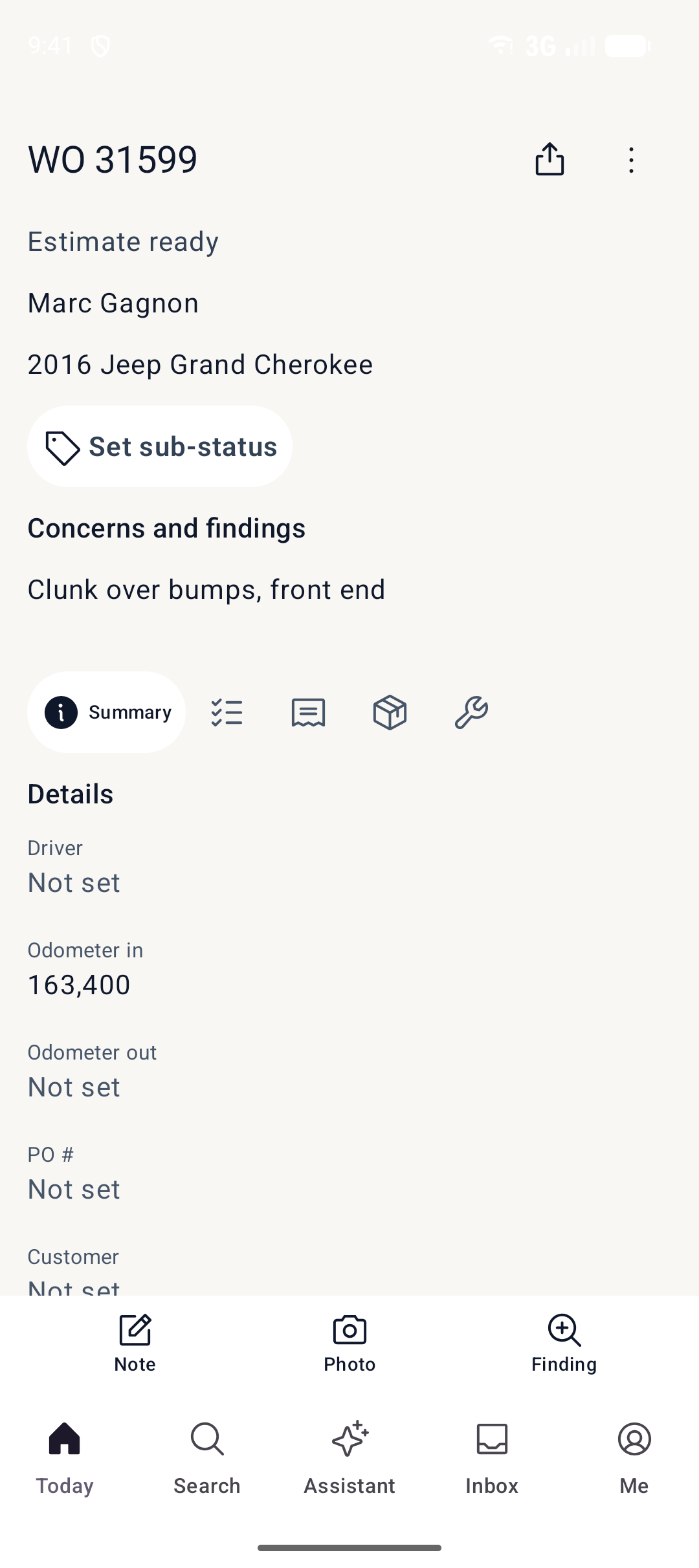
    • A board with every work order as a card
    • Technician status and time cards
    • Customers see live progress by text
    Work in progress in Wenmar Pro
  5. Step 5

    Invoice

    Post the invoice, record the payment and print or send it with your shop's logo. QuickBooks Online picks it up automatically.
    • Record cash, card, check and account payments
    • Printed and emailed with your logo
    • Automatic QuickBooks Online sync
    Invoice in Wenmar Pro

Parts and inventory

Know where every part stands.

Every part line shows its status, so nobody walks to the counter to ask whether the pads came in.

  • Statuses on every line: needed, quoted, ordered, backordered, received and returned
  • Purchase orders and receiving, with packing slips read from a photo
  • Cores tracked until they go back to the supplier
  • Stock counts for each location
  • Tires and seasonal storage, tied to the vehicle

Free labor times

Labor times on the line. No guide to buy.

Add a labor line for a common service and Wenmar shows low, typical and high hours for that vehicle. They come free with your account, from Wenmar's own estimates, so you can skip the labor guide subscription.
Plain-language control

Just say it. Wenmar does the clicking.

Type everyday requests the way you'd say them to your advisor. Anything that changes your shop waits for your OK.

  • Estimates“Brake estimate for the F-150, front and rear.”
  • Scheduling“Move Omar to Friday at 10.”
  • Status updates“Mark the Civic ready for pickup.”
  • Answers“Who's still waiting on an approval?”

You stay in charge. Wenmar shows you exactly what it will do and asks before it changes anything.
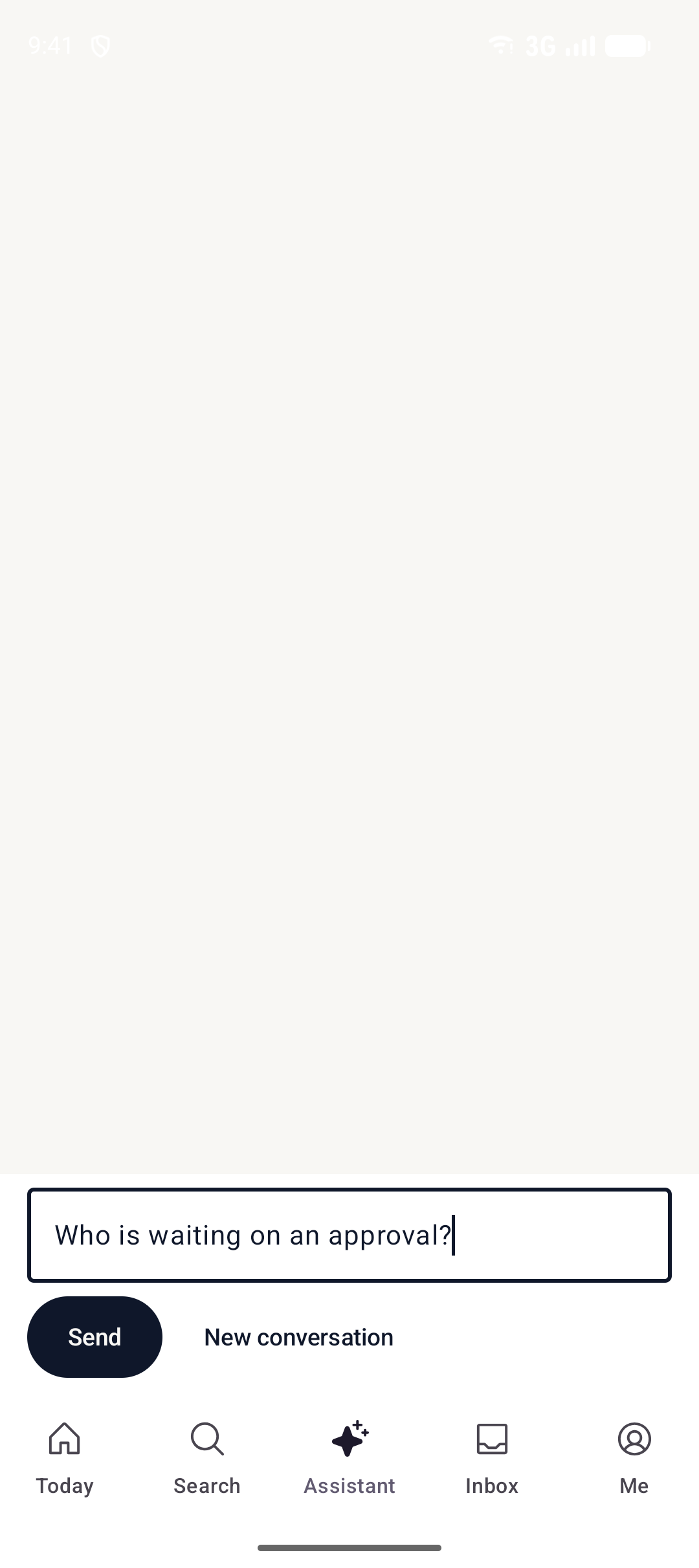
Just say it. Wenmar does the clicking.

Works with your agent

Bring your own agent. It asks before it acts.

Already run Hermes, OpenClaw or Claude Code? Give it your shop. It goes through the same permissions as your team, and anything that changes the shop waits for your OK.

Hermes and OpenClaw

Install the Wenmar skill so your agent knows how to work in your shop.

wenmar skill install

MCP server

Connect any MCP client, on your own computer or to the hosted server with OAuth.

wenmar mcp

Command-line tool

Script your shop from the terminal, or open the full terminal app.

wenmar commands

Your workflow

Your shop.
Your way.

Every shop works differently. Wenmar bends to how your shop actually runs, from a single bay to several locations and fleets, not the other way around. Set it up around your workflow, and if you want to go further, we'll build your team its own app.
  • Your work order stages, statuses and order of work
  • The fields each screen asks for, and the ones it hides
  • Inspection templates, packages and labor rates for your shop
  • Roles, so techs, advisors and owners each see their own screens
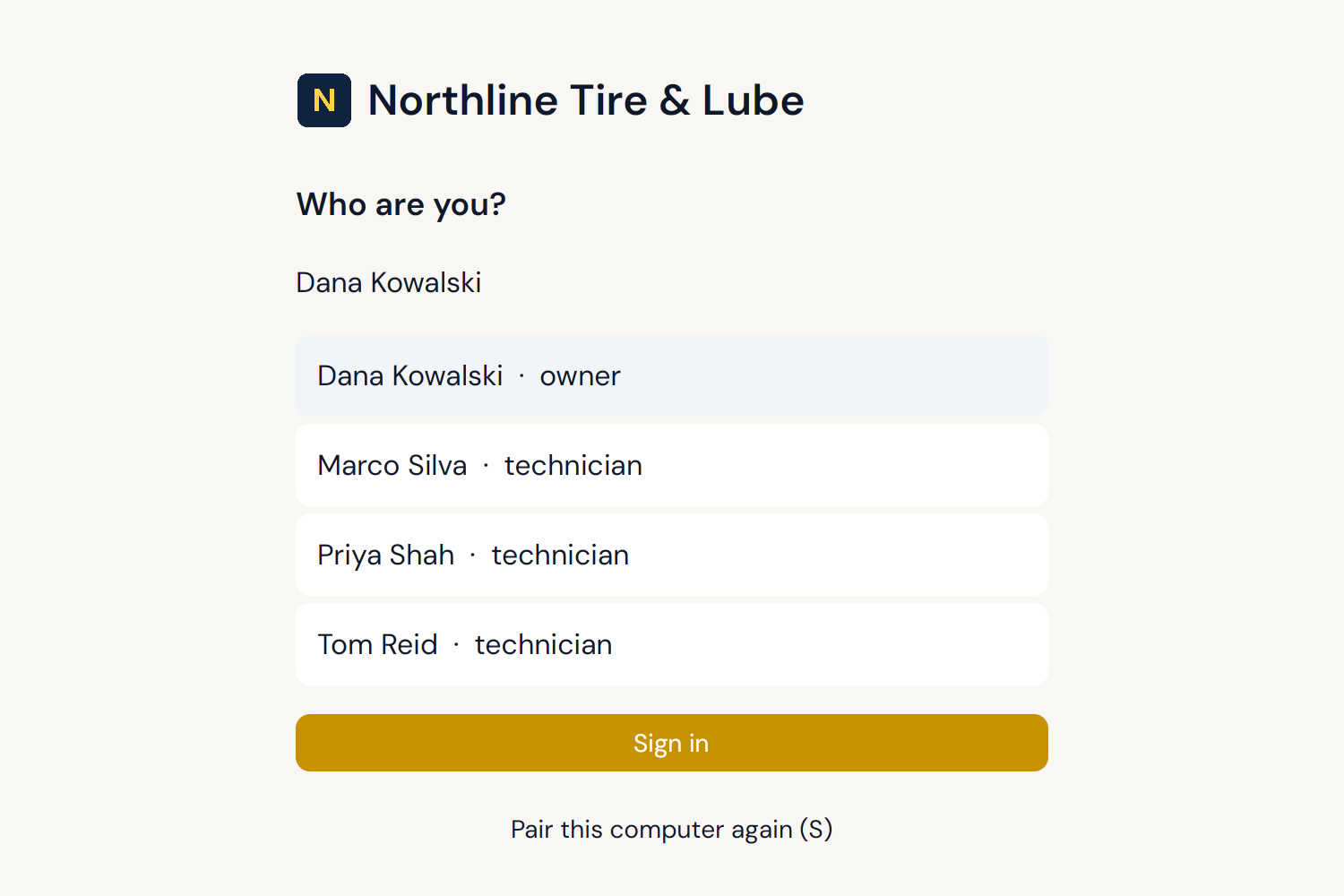
  • Your shop's name, logo and color on every app and printed document
Example: Wenmar Pro's desktop sign-in for Northline Tire & Lube, with its logo and yellow accent.
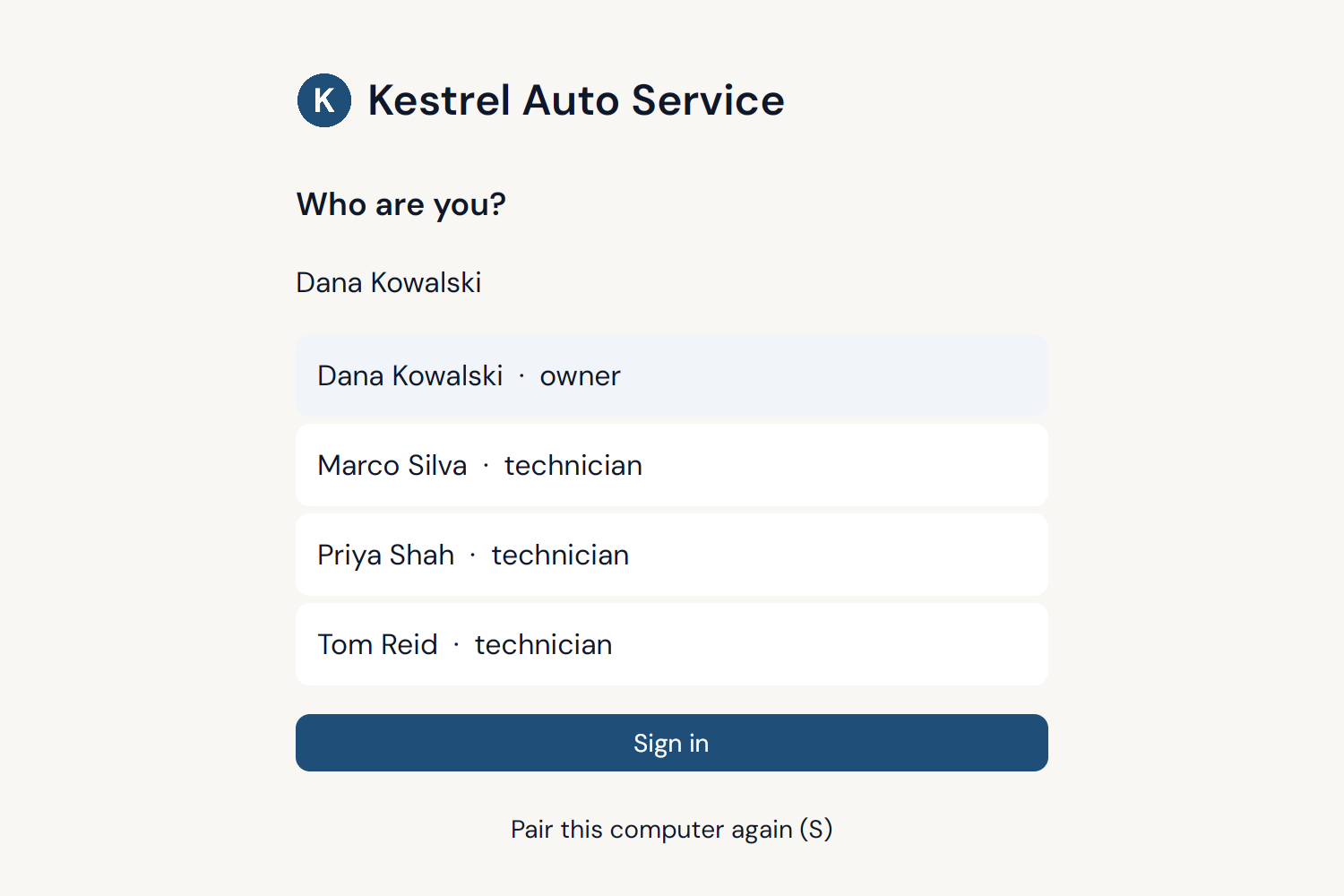
Example: Wenmar Pro's desktop sign-in for Kestrel Auto Service, with its logo and blue accent.
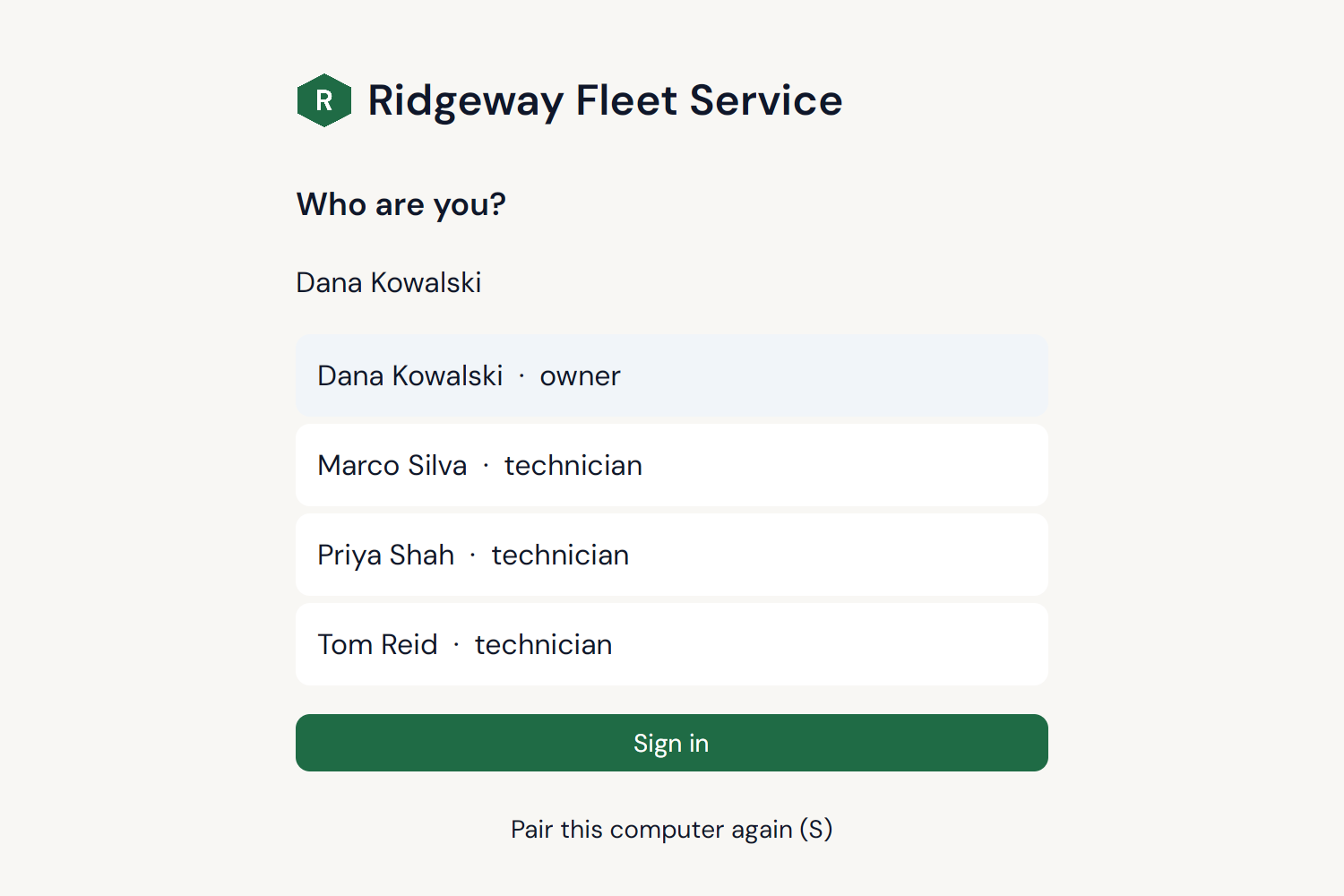
Example: Wenmar Pro's desktop sign-in for Ridgeway Fleet Service, with its logo and green accent.

Example apps. Shop names are made up.

Books and payroll

QuickBooks today. Accounting and payroll in January.

Wenmar syncs to QuickBooks Online now. Built-in accounting and payroll are coming in January 2027, so most shops won't need a second system.

Live now

QuickBooks Online sync

Posted invoices, payments and taxes sync to QuickBooks, so your bookkeeper has what they need.

January 2027

Accounting, built in

Receivables, bills, bank reconciliation and the general ledger inside Wenmar.

January 2027

Payroll

Pay your team from the time cards they already keep in Wenmar.

Built in a real shop

Made by a shop family, not a software company.

Wenmar Pro was built and tested in a 15-bay repair shop. Every feature had to survive a real Saturday first.

  • Tested in a 15-bay shop
  • Support straight from the founders
  • No contracts, month to month
  • Your data, exportable any time

We've cut down admin time and improved communication across the shop. The system just works the way we actually operate.

Mikayla, Administrator, Wenmar Automotive
Read the shop #1 story

Pricing

Start free. Lock in founding-member pricing.

One plan with everything in it. The price you see is the price you pay.

Founding member pricing

3 months freethen $100 USD/month

All features included. No credit card required to start.

Everything included

  • Unlimited advisors and technicians
  • The shop assistant and every other feature
  • All connections, including QuickBooks Online
  • Native apps for Windows, Mac, Linux, iPhone, iPad and Android
  • Works offline for up to 7 days, then syncs
  • Free data import from your old system, and setup help in your first month
  • Free labor times for common services
  • Support straight from the founders
  • One location

The fine print, in plain English

Price
$100 USD per month for one location, after 3 free months
To start
No credit card needed
Setup or onboarding fees
None
Billing
Monthly, in US dollars
Cancel
Anytime in account settings. Service runs to the end of your paid month and you won't be charged again.
Contracts
None. Month to month.
Your data
Always yours, and always available to export, even after you cancel

Coming July 26, 2027: new signups will choose a plan based on shop size (bays). If you sign up before then, you keep the $100 founding rate for as long as you stay subscribed.

Not in a rush?

Get one email when it's ready.

Wenmar Pro is still in testing. We'll send exactly one email when it officially launches.

One email when Wenmar Pro officially launches. Nothing else, and you can unsubscribe anytime. See our privacy policy.

FAQ

Questions shop owners ask

Don't see yours? Email ben@wenmarpro.com or read the full FAQ.

We're on Shopmonkey or Tekmetric. How hard is it to switch?
We do the hard part, for free. We work with your current software's support team to get your data exported, then import your customers, vehicles and history for you and check the numbers with you before you switch. You can keep running both side by side until you're ready. See how switching works.
Does it replace my current shop software?
Yes. Work orders, estimates, inspections, bookings, parts and customer messages all live in one system with one login.
Can we set it up the way our shop works?
Yes. Every shop works differently, so you choose your work order stages, the order of work, which fields each screen asks for and what each role sees. Ben sets it up with you in your first month. See custom apps.
Is Wenmar Pro desktop software, a mobile app, or both?
Both. Wenmar Pro is a full shop management system with a native desktop app for Windows, Mac and Linux and native apps for iPhone, iPad and Android. The same work orders, customers, parts and messages are on both. Neither is an add-on: techs run inspections in the bay on a phone or tablet, and the counter runs the day on the desktop. The web is only for setup, like adding users and your logo.
What if our internet goes down?
Keep working. The desktop app keeps a copy of your shop, so you can look things up and write up new work orders offline for up to 7 days. Everything sends as soon as you're back online.
Is there a contract?
No. It's month to month, and you can cancel any time.
Can we get our data out?
Always. Your data belongs to you and is always available to export, including after you cancel.
Do my customers need an app?
No. Customers get texts and emails, and check in, follow their vehicle, see inspection results and approve services in their phone's browser. See the customer portal.
Can I keep my shop's texting number?
Yes. Bring your existing texting number or pick a new local line, and we'll handle the registration carriers require for business texting.
How does it handle accounting?
Posted invoices, payments and taxes sync to QuickBooks Online today. Built-in accounting and payroll are coming in January 2027.
Will my team need training?
Most advisors learn the work board in under 15 minutes. Short videos cover the rest, and you can reach us anytime.
Will Wenmar ever text a customer without asking?
No. You can ask for estimates, bookings, status updates and answers in plain words, but anything that goes to a customer waits for someone on your team to send it.
Do I need a labor guide subscription?
No. For common services on popular vehicles, Wenmar shows its own labor times right on the labor line: low, typical and high hours, free with your account. They're estimates, so use them, change them or type your own.
Does it work with Hermes or OpenClaw?
Yes. Install the Wenmar skill, or connect your agent through the wenmar command-line tool or the MCP server. See how.
How long have you been around?
Wenmar Pro is built by a team with over 40 years of shop experience and has been running in a 15-bay shop near Toronto. Read our story.
How secure is our data?
Every shop has its own database, it travels over encrypted connections, it's backed up every hour of the shop day, and it's never sold. How we protect your data.
Who's behind this?
Ben and Kristen D'Angelo. Email Ben directly at ben@wenmarpro.com.

Ready to see Wenmar Pro in your shop?

Book a demo and we'll walk through it with your own workflow, or just start free.

$100/month after 3 free months. All features included. No credit card to start. See pricing details.

Choose your language and region

We'll take you to this same page for your location, with local pricing and details.