Step 01
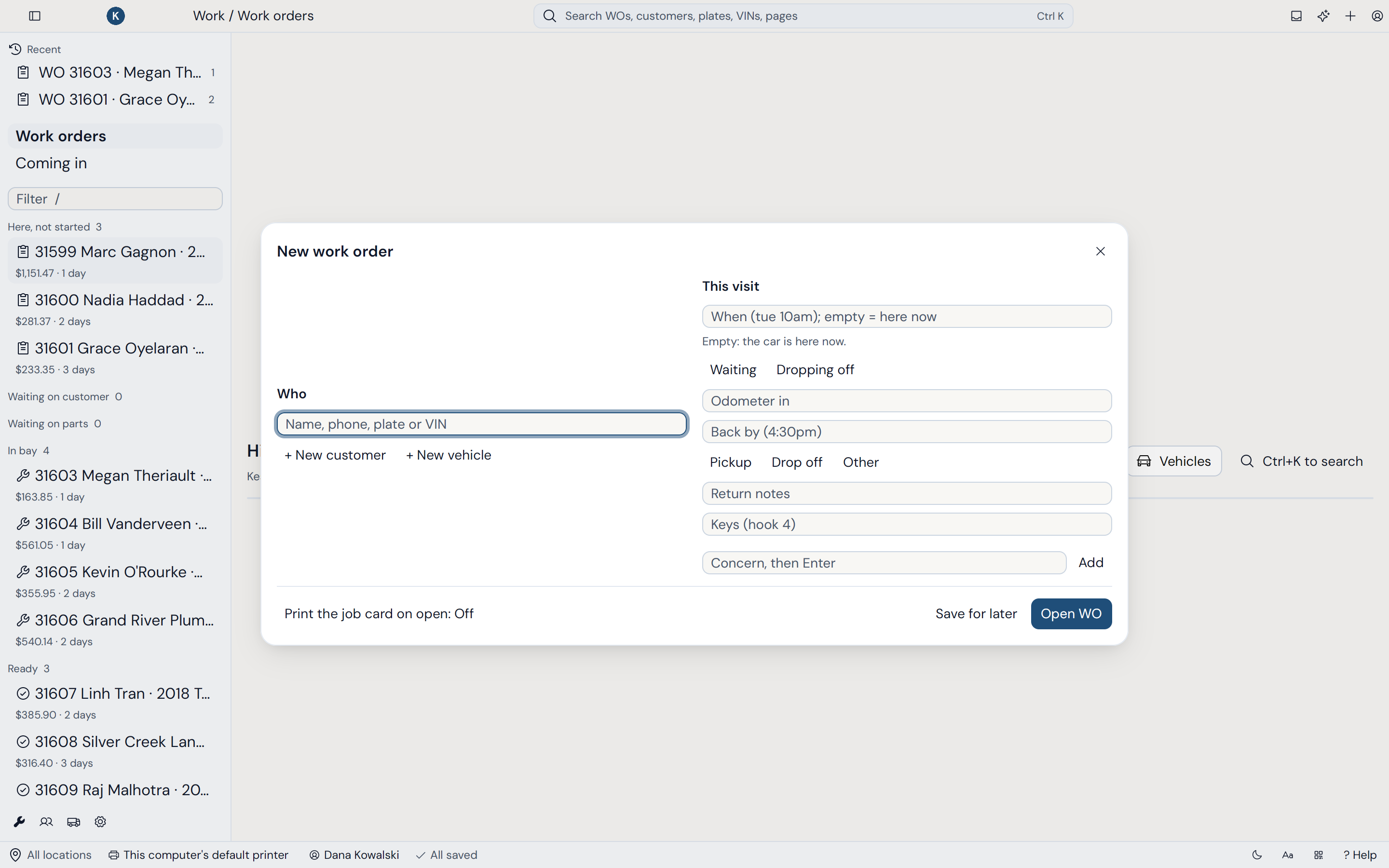
Check-in
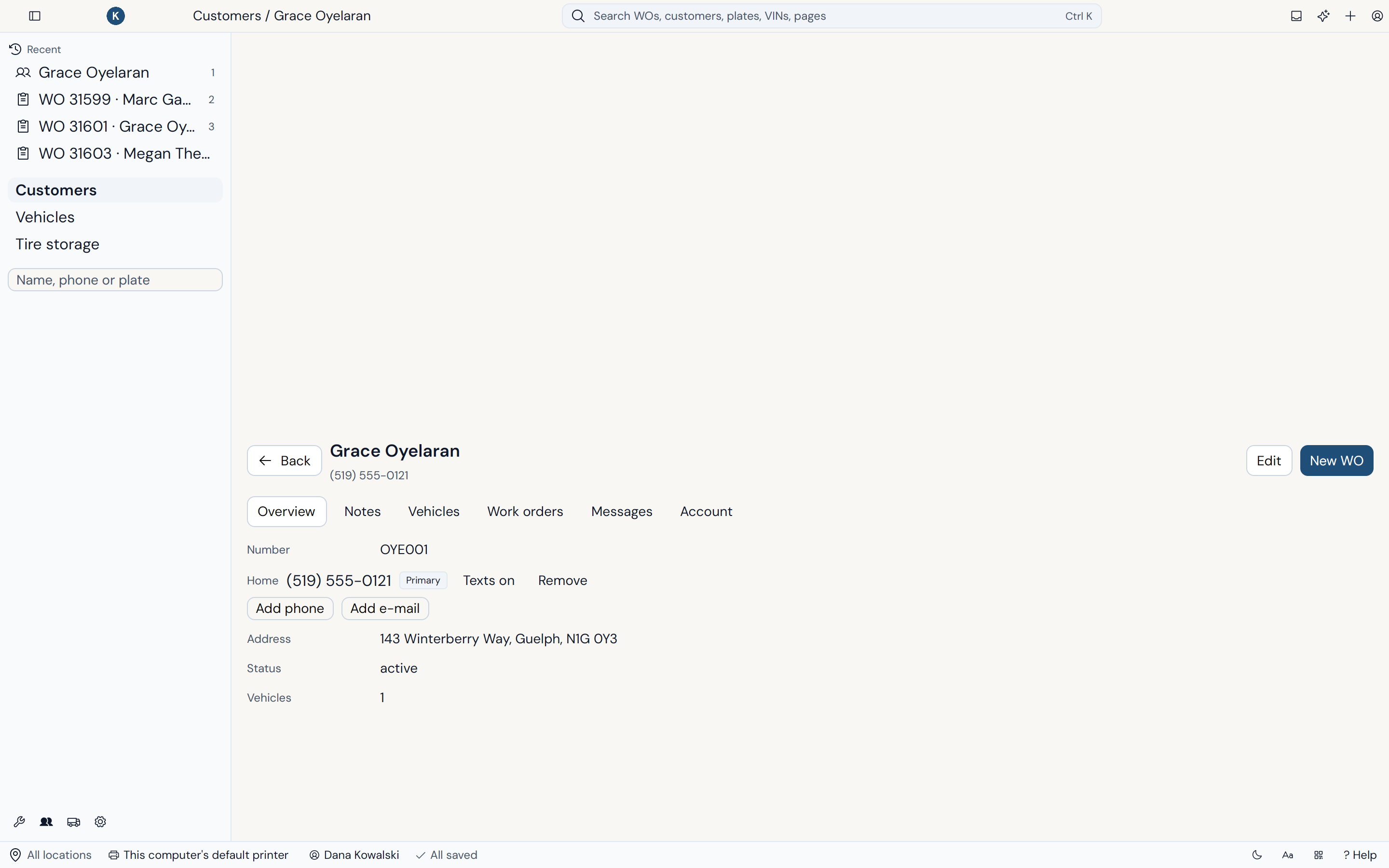
Find the customer and vehicle as you type, or let them check themselves in from their phone. A VIN fills in the year, make and model.
- Search customers, phones and plates instantly
- Customers can check themselves in by text
- A work order in under 10 seconds
Step 02
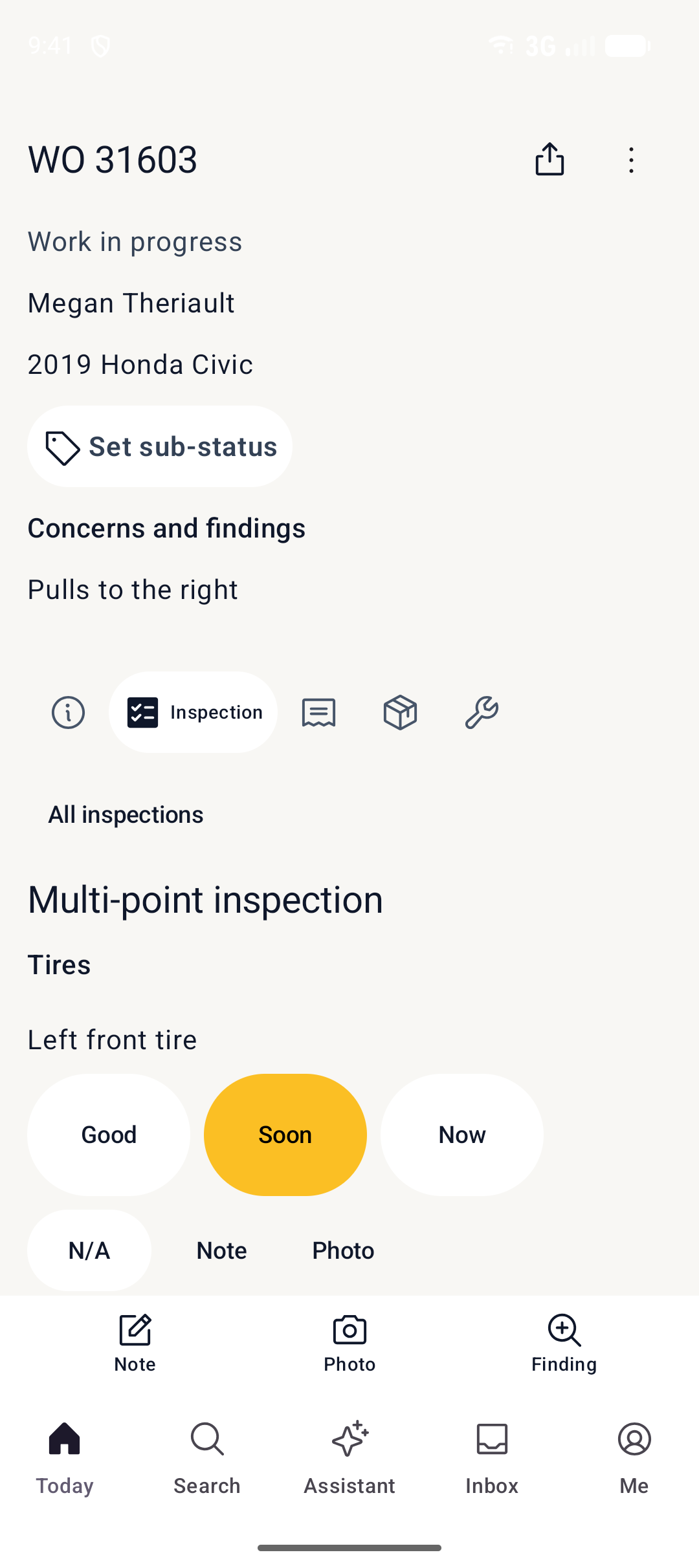
Inspection
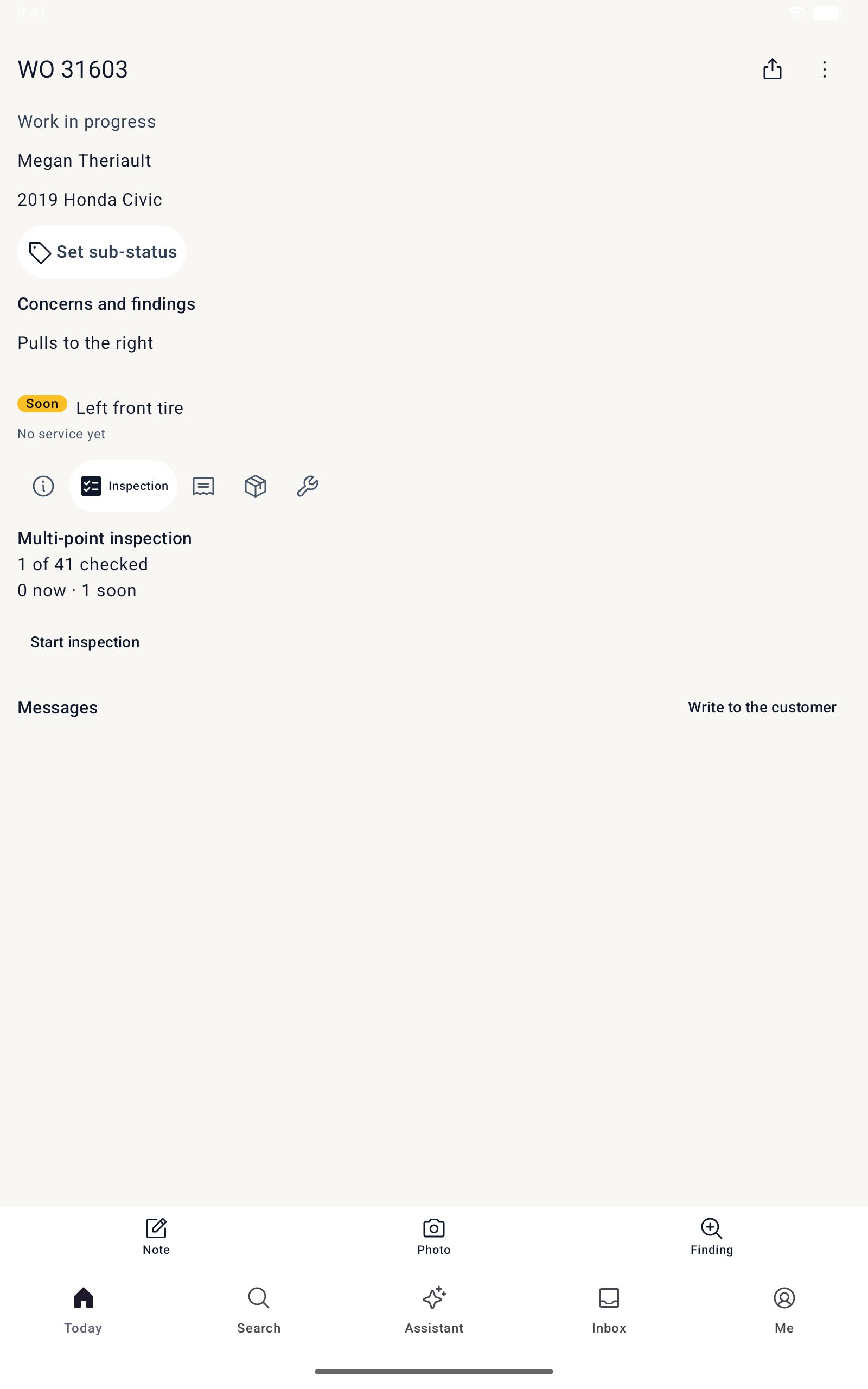
Techs run your inspection templates on the phone in the bay, with photos and notes on every finding.
- Inspection templates for your shop
- Photos and notes from the bay
- Soon and now findings become services in one tap
Step 03
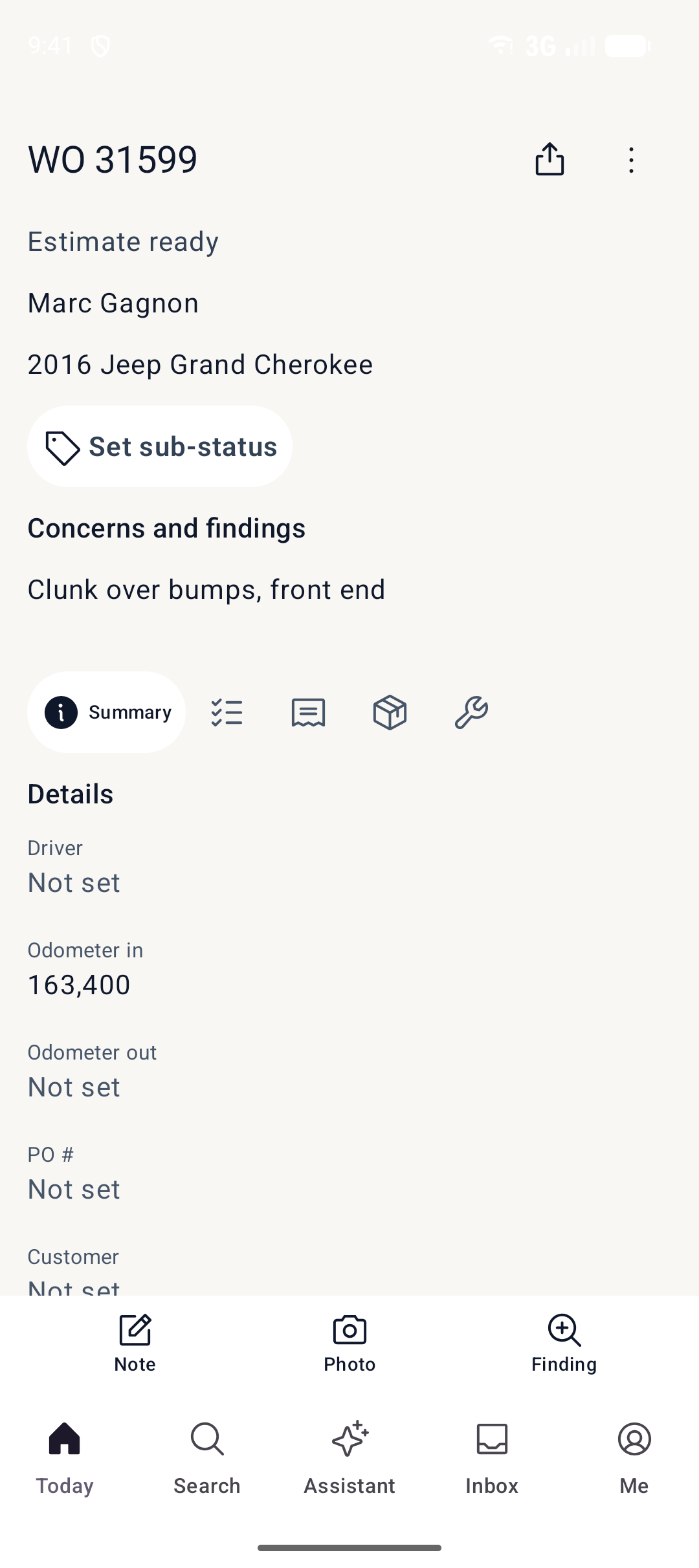
Estimate
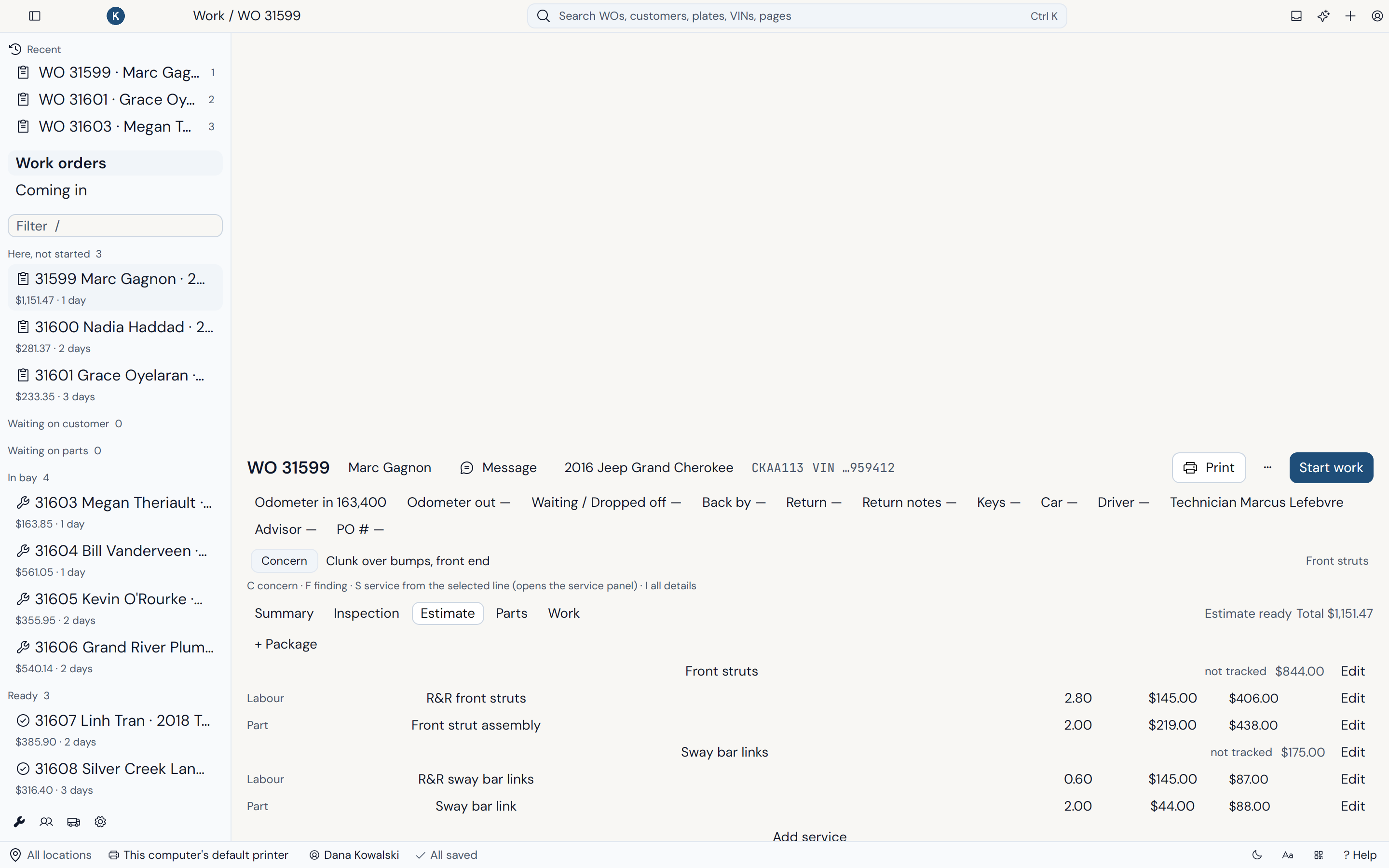
Packages put the services, parts, labour and sales tax on the order. Text it, and the customer approves each service from their phone.
- Packages with your labour rates and price matrices
- Sales tax calculated for you
- Customers approve or decline each service by text
Step 04
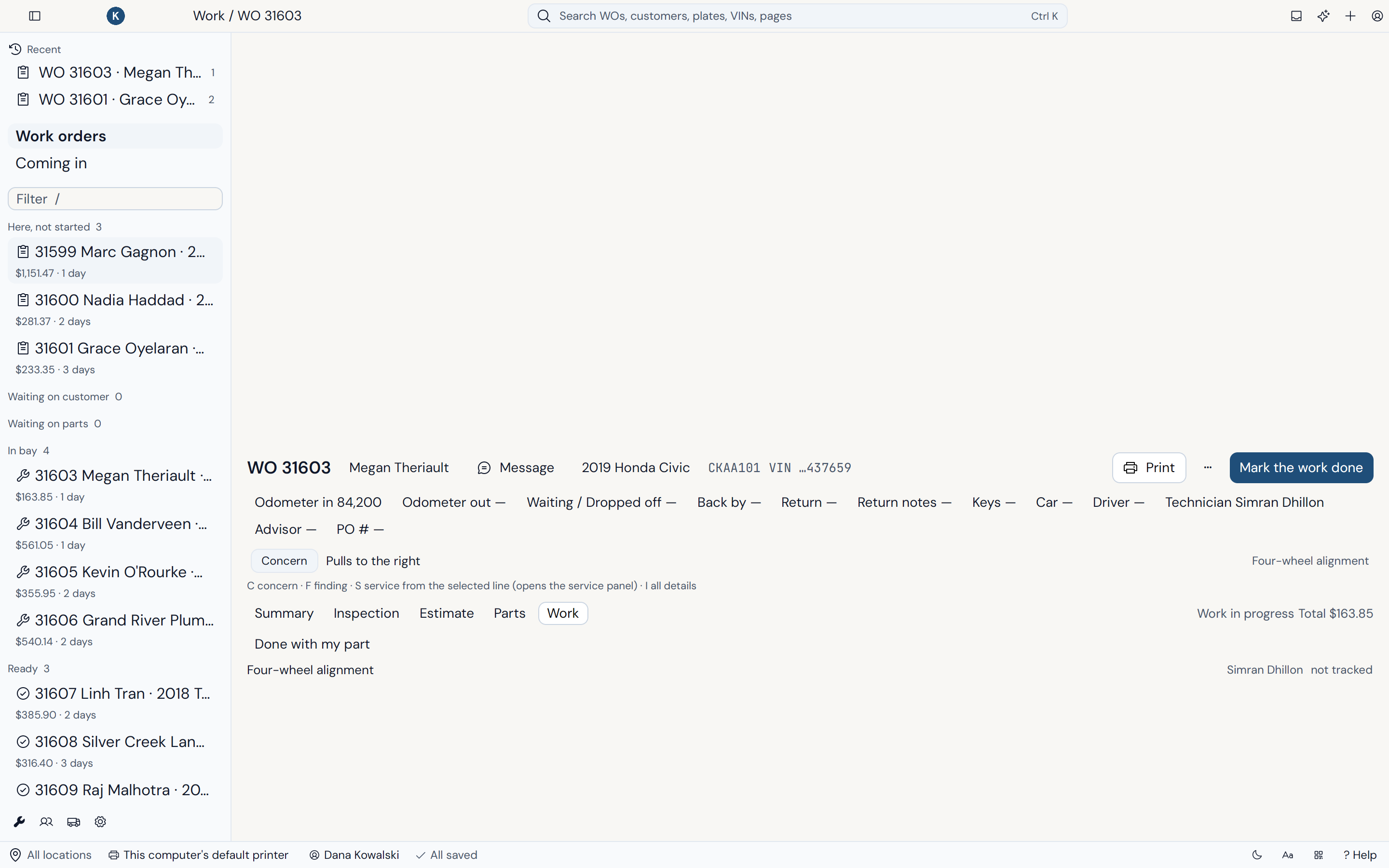
Work in progress
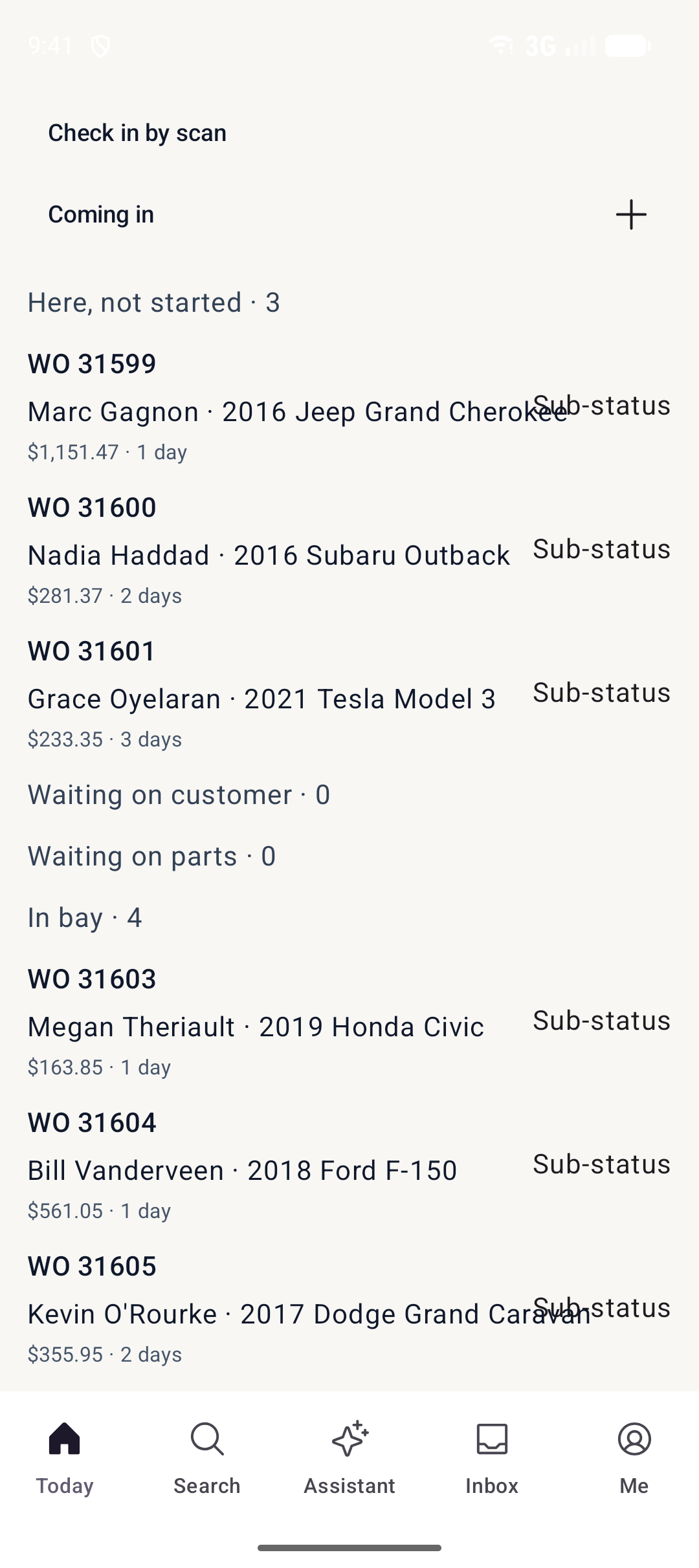
Track every work order as it moves. Technicians update it from the bay while customers follow along from their phone.
- A board with every work order as a card
- Technician status and time cards
- Customers see live progress by text
Step 05
Invoice
Post the invoice, record the payment and print or send it with your shop's logo. QuickBooks Online picks it up automatically.
- Record cash, card, cheque and account payments
- Printed and emailed with your logo
- Automatic QuickBooks Online sync