Works with your agent
Your agent can work in your shop too.
Hermes, OpenClaw, Claude Code or any agent that speaks MCP gets the same tools as Wenmar's own shop assistant, with the same permissions as the person who connected it. Anything that changes the shop asks first.
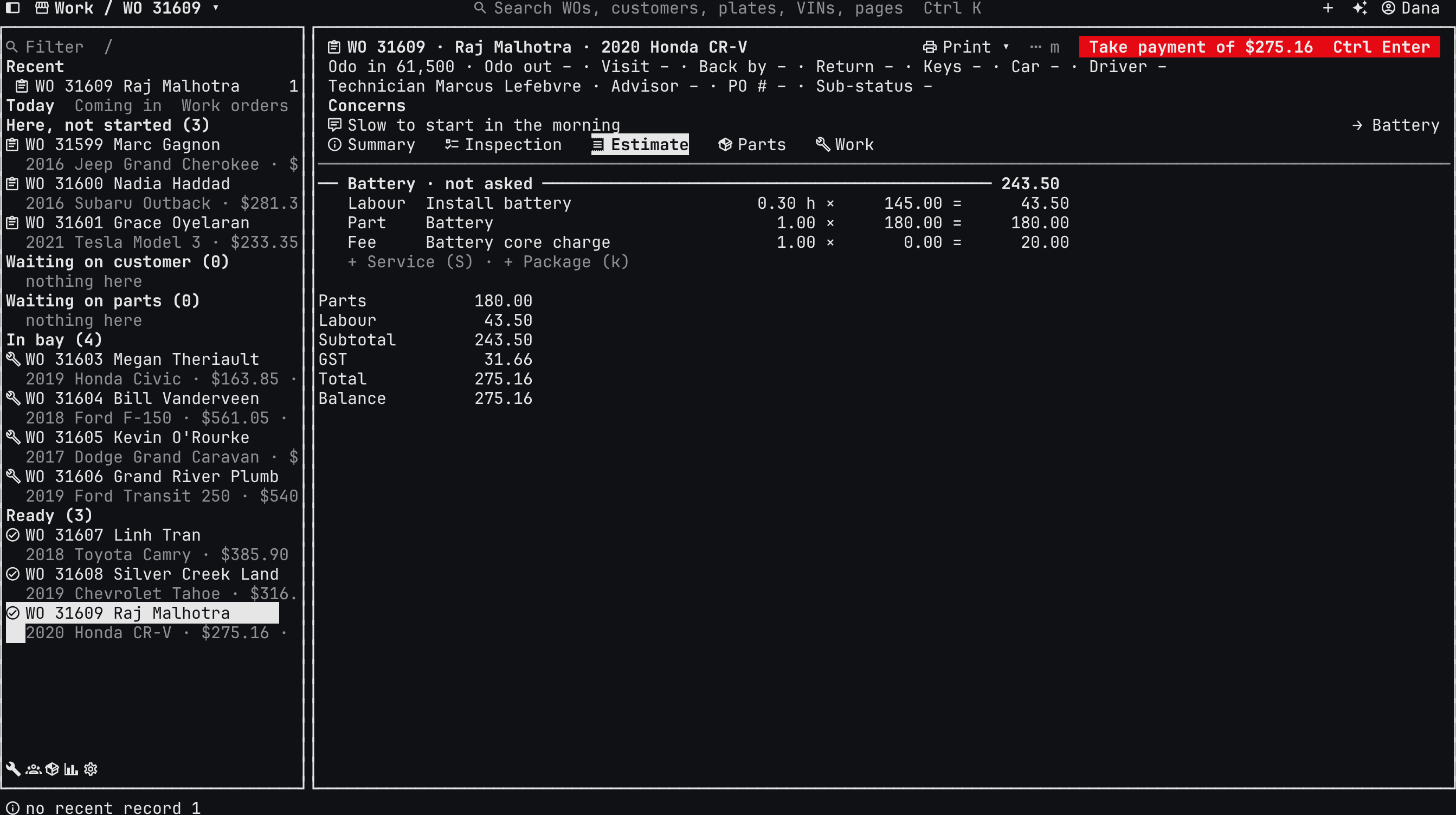
Ask it the way you'd ask your advisor
- “Who's still waiting on an approval?”
- “Which work orders are waiting on parts?”
- “Draft a brake estimate for the F-150, front and rear.”
- “Move Omar to Friday at 10.”
Your rules apply to your agent
Your team's permissions
It can only see and do what the person who connected it can.
It asks before it acts
Anything that changes the shop waits for your OK, the same as the shop assistant.
Included in your price
Connecting your agent costs nothing extra, like every other feature.
Three ways to connect
The Wenmar skill
Install the skill so Hermes, OpenClaw or Claude Code knows how to work in your shop.
wenmar skill installMCP server
Connect any MCP client, on your own computer or to the hosted server with OAuth.
wenmar mcpCommand-line tool
Every record from the terminal, with a full command list your agent can read.
wenmar commandsSet up in three steps
Install wenmar
One small program for Mac, Linux and Windows. It updates itself.
Pair it with your shop
The owner makes a one-time pairing code on the web, under Account, then Stations.
Connect your agent
Install the Wenmar skill, or run the setup for Claude Code or Codex.
FAQ
Questions shop owners ask
Do I need my own agent?
Which agents work?
Where does it run?
Does it cost extra?
Want a hand connecting your agent?
Email Ben or book a demo, and we'll get your agent working in your shop.
$100/month after 3 free months. All features included. No credit card to start. See pricing details.